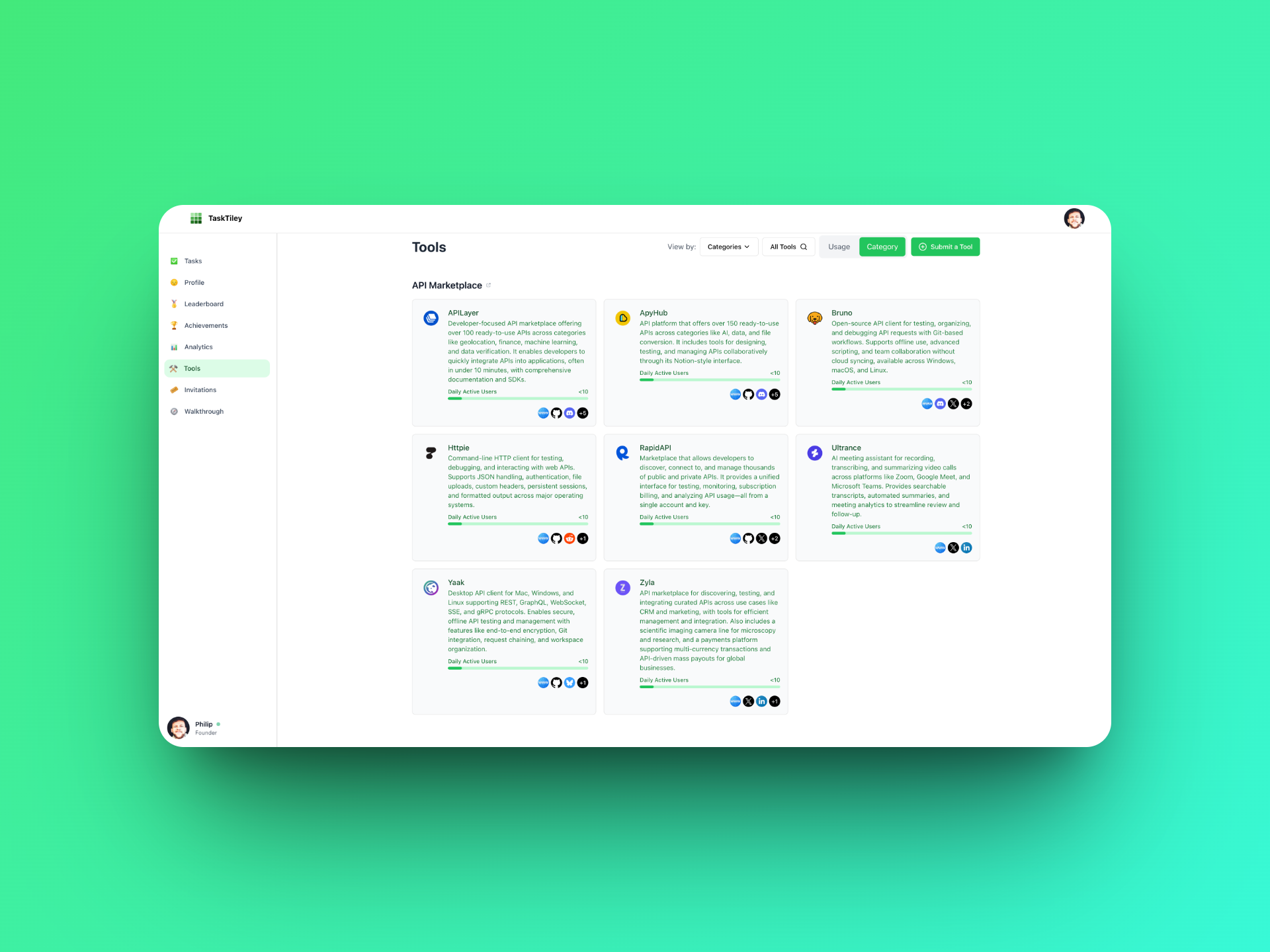
How to Submit a Tool to TaskTiley
Tools can be submitted to the TaskTiley marketplace via a short form. This post outlines the required fields, the review timeline (typically under 24 hours), and the reason account sign-in is required before submission.
TaskTiley tracks the tools people actually use to get work done – across design, development, operations, marketing, and more. The tool marketplace makes those products visible and measurable within user activity. Submitting a tool is straightforward and helps connect it to real usage across the platform.
Step 1: Fill Out the Form
The Submit a Tool form collects the following:
Tool Name
Website
Logo URL (must be a direct link to an image file)
Short Description (max 500 characters)
Social Links (optional, comma-separated)
Careers Page (optional)
Association (the company or individual submitting the tool)
Category (select the tool type)
Step 2: Review Process (within 24 - 48 hours)
Submissions are reviewed manually to check for:
Duplicates
Valid links and assets
Clear and relevant descriptions
Most reviews are completed within 24 hours. If clarification is needed, the team will follow up directly.
Step 3: Tool Listing Goes Live
Once approved, the tool appears in the TaskTiley marketplace and becomes available for users to tag in their activity logs. A confirmation is sent when the listing is live.
Why Sign-In Is Required
Account sign-in is required to submit a tool. This ensures:
Spam and low-quality submissions are filtered out
Submission history can be tracked
Claiming and managing a tool page is possible later
The review team has a direct contact if questions arise
The submitter does not need to be affiliated with the tool being listed, but an account is necessary to proceed.
Claiming a Tool Page
After a tool is listed, the associated page can be claimed to:
Edit descriptions and links
Add job listings
View engagement metrics
To submit a new tool, start here. For questions, reach out to the TaskTiley team anytime.